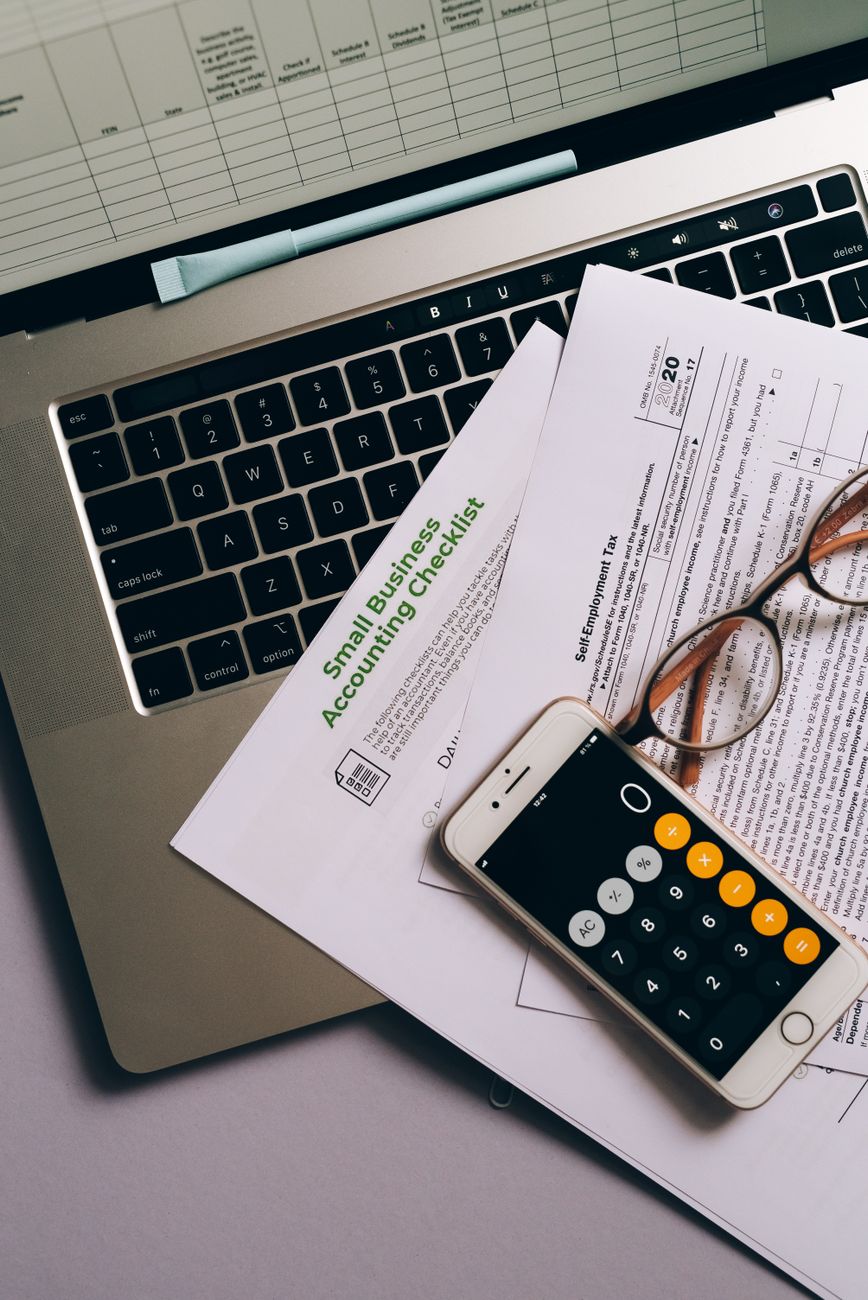
Managing business finances used to mean spending hours manually comparing bank statements with ledger entries. For many small business owners, this tedious process often leads to exhaustion and potential human error in financial reporting.
Modern accounting software with automated bank reconciliation has completely transformed this workflow. By connecting directly to your financial institution, these tools ensure your books are always up-to-date with minimal manual intervention.
1. Automated bank reconciliation connects your accounting software directly to bank feeds to fetch transactions in real-time.
2. It utilizes AI-driven matching logic to pair bank transactions with existing invoices or expenses automatically.
3. This technology significantly reduces human error and prevents duplicate entries in your financial records.
4. Small businesses gain immediate visibility into their actual cash flow without waiting for month-end reports.
5. Choosing software with secure API connections (like OJK-monitored services in Indonesia) is vital for data safety.
How to Choose the Best Accounting Software With Automated Bank Reconciliation
Choosing the right platform requires an understanding of how well the software communicates with your specific bank. Not all automated feeds are created equal, and some might require more manual oversight than others.
Anda should prioritize software that offers direct bank feeds rather than third-party screen scraping. Direct feeds are more stable, secure, and comply with modern data privacy standards globally and locally.
Look for a solution that provides customizable “Bank Rules.” These rules allow the system to categorize recurring transactions, such as rent or utility bills, without you having to click a single button.
Another critical factor for Pelaku Usaha is the ease of the user interface. If the dashboard is too complex, the time saved through automation might be lost in navigating the software itself.
| Software Name | Reconciliation Method | Target Audience | Primary Benefit |
|---|---|---|---|
| QuickBooks Online | AI-Driven Matching | Growing Small Businesses | Powerful automation rules |
| Xero | Interactive Bank Feeds | Tech-savvy Owners | Real-time collaboration |
| FreshBooks | Direct Sync | Service-based Freelancers | Extremely simple interface |
| Mekari Jurnal | Local Bank API Sync | Indonesian MSMEs | Pajak/Tax integration (e-Faktur) |
| Zoho Books | Automated Feeds | Global Small Businesses | Affordable pricing tiers |
Tutorial on Setting Up Automated Bank Feeds Safely
The first step in automating your reconciliation is linking your business bank account to your accounting platform. Most modern software uses a secure OAuth connection, meaning you do not share your password directly with the accounting tool.
Once the connection is established, the software will begin importing transactions periodically. You will usually see a dashboard where transactions are grouped into “Matched,” “Suggested,” and “Uncategorized.”
Anda must review the “Matched” transactions to ensure the AI has paired the bank line with the correct internal invoice. Over time, the software learns your behavior and the matching accuracy increases significantly.
After the initial sync, you should create bank rules for frequent vendors. For example, if the software sees a transaction from “Telkomsel,” you can set a rule to automatically categorize it as “Telephone & Internet Expense.”
This proactive setup ensures that 80% of your transactions are reconciled the moment they hit your bank account. The remaining 20% usually involve complex payments or transfers that require a quick manual check.
Solution for Common Bank Feed Sync Issues
Sometimes bank feeds may disconnect due to bank security updates or expired authentication tokens. When this happens, your transactions will stop appearing in your accounting software, causing a gap in your records.
The immediate solution is to “Refresh” the connection and re-authenticate your banking credentials. If the problem persists, checking if your bank has recently updated its multi-factor authentication (MFA) settings often solves the issue.
Another common challenge is dealing with duplicate transactions. This usually occurs if you manually upload a CSV file while an automated feed is also active.
To fix duplicates, use the “Exclude” or “Void” function within the reconciliation module. Never delete a transaction until you have verified which entry is the legitimate record of truth.
If you find that the software is matching the wrong payments, review your bank rules. Rules are processed in order, so a generic rule at the top might be overriding a specific rule further down the list.
Regulatory Compliance for Digital Accounting in Indonesia
For Pelaku Usaha operating in Indonesia, using accounting software with automated bank reconciliation must align with local tax laws. The Directorate General of Taxes (DGT) requires businesses to maintain accurate and verifiable records for audit purposes.
Under PSAK (Pernyataan Standar Akuntansi Keuangan), digital records must be backed by original evidence. Automated reconciliation helps maintain this trail by linking the bank’s transaction ID directly to your digital ledger.
Security is another regulatory concern monitored by the OJK (Otoritas Jasa Keuangan). Ensure your software provider uses high-level encryption to protect sensitive financial data transmitted during the bank feed sync.
Integration with local tax platforms like e-Faktur is an added value for Indonesian businesses. Software like Mekari Jurnal or localized versions of global tools can sync reconciled transactions directly to tax reporting modules.
This integration ensures that the VAT (PPN) you claim matches the payments processed through your bank account. It significantly reduces the risk of tax discrepancies during annual reporting seasons.
Analysis of AI-Powered Matching vs Manual Rules
Modern accounting software uses machine learning to predict which transaction belongs to which account. While this is highly efficient, Anda should understand the difference between AI matching and static bank rules.
AI matching looks for patterns in descriptions, dates, and amounts to suggest a link. It is flexible but can occasionally be fooled by similar amounts from different vendors on the same day.
Bank rules, on the other hand, are absolute commands that you define. They are safer for high-volume, repetitive transactions where the vendor name is always consistent and unique.
A hybrid approach is often the best strategy for small business owners. Use bank rules for fixed expenses and rely on AI suggestions for variable project-based costs or one-off purchases.
Comparison of Document Requirements for Software Integration
Before you can fully activate automated reconciliation, you may need to provide certain permissions or documents. This varies depending on the bank and the software provider’s location.
| Requirement Type | Traditional Connection | Open Banking API (Modern) |
|---|---|---|
| Authentication | Manual Login Every Sync | One-time Token (Expires 90 days) |
| Bank Support | Limited to Major Banks | Broad Connectivity (Fintech Ready) |
| Data Speed | 24-Hour Delay | Near Real-Time |
| Documentation | Printed Consent Form (Rare) | Digital Consent (In-App) |
Maximizing Information Gain Through Financial Automation
The real value of automated bank reconciliation isn’t just saving time; it is the “Information Gain” you receive from real-time data. When your books are reconciled daily, you can make informed decisions based on your actual bank balance.
Many small businesses fail because they look at their profit on paper without realizing their cash is tied up in accounts receivable. Automation allows you to see that your bank balance does not match your expectations immediately.
You can also identify unauthorized charges or bank fees much faster than with a manual month-end process. This allows for quick disputes and better management of subscription-based expenses that often go unnoticed.
Furthermore, having an automated trail makes your business “audit-ready” at all times. Whether you are applying for a loan or preparing for a tax review, your records are consistently clean and organized.
In the digital era, manual data entry is a liability for small businesses. Embracing accounting software with automated bank reconciliation is no longer a luxury but a fundamental necessity for sustainable growth.
Conclusion
Accounting software with automated bank reconciliation is the ultimate tool for small businesses aiming for efficiency and accuracy. It eliminates the drudgery of manual entry while providing a clearer picture of financial health.
By selecting a platform that fits your local regulatory needs and has robust API connections, Anda can focus on growing your business rather than chasing receipts. The transition to automation may require a small learning curve, but the long-term benefits for your cash flow and peace of mind are immeasurable.